
- To buy a one-use SMS number to receive SMS from different services, open the ''ORDER A NUMBER" block and select the number type "One-use SMS number" or click on "DISPOSABLE NUMBERS" in your personal account.
.png) OR
OR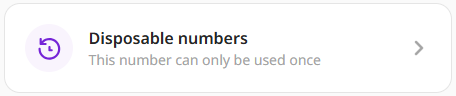
- Click "BUY A DISPOSABLE NUMBER"

- On the opened page, select the service you are interested in. Click "SELECT SERVICE"
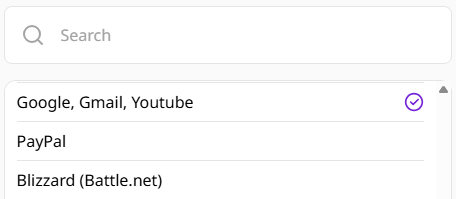

- Then, select the country of the number from the list. The price is dynamic; the list shows the highest possible price per number for a specific country.
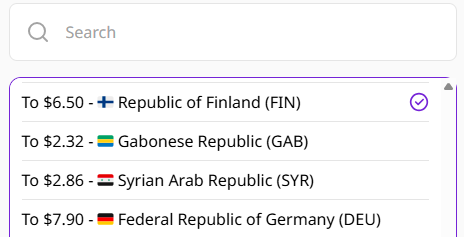
- Click "FIND PRICE"

- Check the current price and instructions, then click "ORDER A NUMBER"
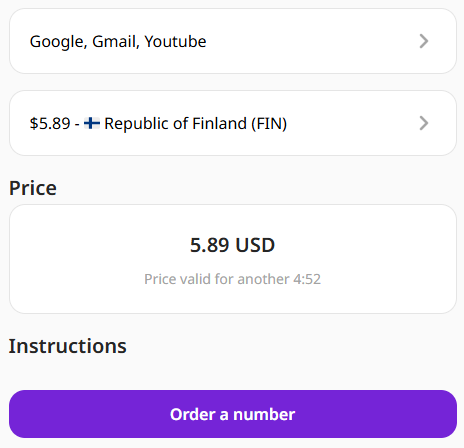
Please note that this price is valid only for the specified period. - Wait for the SMS number to be allocated.
- When the SMS number is allocated, use the number received on the website to verify or create an account on the chosen service.
- Wait for the SMS code, it will be listed in the table under number.
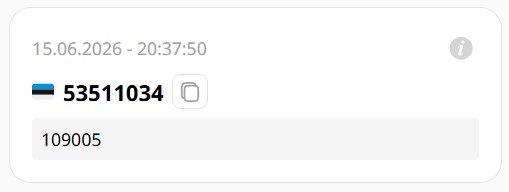
- To place an identical order without having to select the service and country again, click "Repeat purchase"

- To create a new order with a different country and service, click "+" in the top right-hand corner of the page

Read the article on what to do if you don’t receive the SMS code.
Please note, that one-use SMS numbers are limited in duration, you should prepare in advance before using it - open the service you are looking for with the number entry window.
Follow the tips that can be found on the order page.
