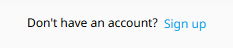
Step 1. Go to the personal account tab and click the “Sign up” button
Step 2. Fill in all the required fields with your current details, read the “Terms and Conditions”, “Privacy Policy” and “Refund Policy” sections, and tick the relevant boxes to confirm your agreement. Confirm your age by ticking the box marked “I am 18 or over”.
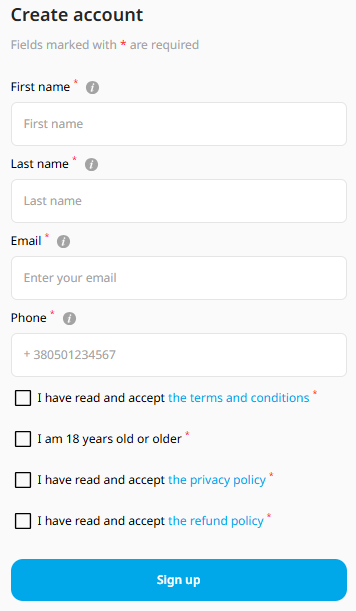
Click the “Sign up” button.
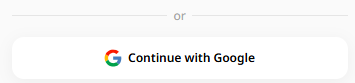
We also offer an alternative registration method that takes just a few seconds – via your Google account. To use this method, click ‘Continue with Google’. Log in and grant the necessary permissions.
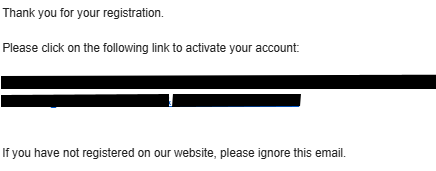
Step 3: Confirm your email address (if you sign up using a Google account, this step will be skipped). We'll send a confirmation link to the email address you provided. Click on it to complete the process.
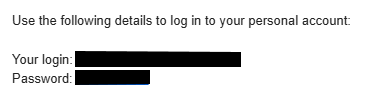
Step 4: Obtain your login details. You will receive an email containing your username and password, which you will use to log in. If you register using a Google account, you will also receive such an email as an alternative method for logging into your personal account.
Changing your password
You can change your password at any time.
To do this, go to the profile tab 
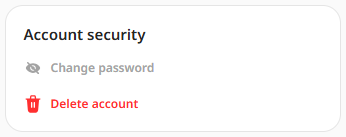
In your account’s security settings, select ‘Change password’
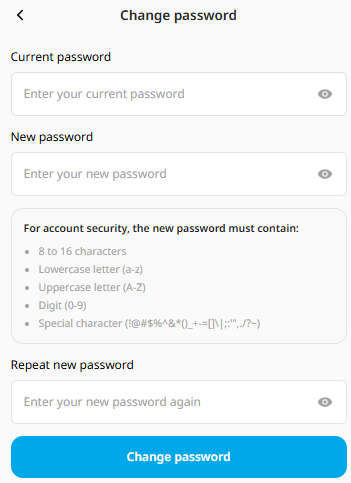
Enter your current password, then create a new one, following all the guidelines. Re-enter your new password and click the ‘Change’ button.
If you are unable to receive the registration email, please follow these steps:
-
Disable any VPN.
-
Make sure your email account can receive messages.
-
Check your ‘Spam’ folder.
-
Your email address must be a valid one, not a temporary one.
-
Try clearing your browser’s cookies and cache.
-
Try changing your IP address or registering using a different browser.
If none of this helps, please use a different email address.
